Why I Built Comchan
published:
If you do any embedded development, you know the drill. You flash your firmware, wire up your board, and immediately reach for a serial monitor to see what's happening. For a long time, my go-to tools were minicom, picocom and the Arduino Serial Monitor. They are battle-tested, ubiquitous, and... incredibly frustrating to use in a modern terminal workflow.
After one too many sessions wrestling with archaic keybindings and unreadable, unbuffered output from my microcontrollers, I decided to build my own alternative in Rust (btw).
Enter ComChan.
Wait, aren't there already a dozen serial monitors out there? Why build another one from scratch?
The Problem with the Classics
Tools like minicom were designed for a different era of computing. When you are rapidly iterating on embedded platforms like the ESP32 or RP2040, you want a tool that gets out of your way.
My main pain points were:
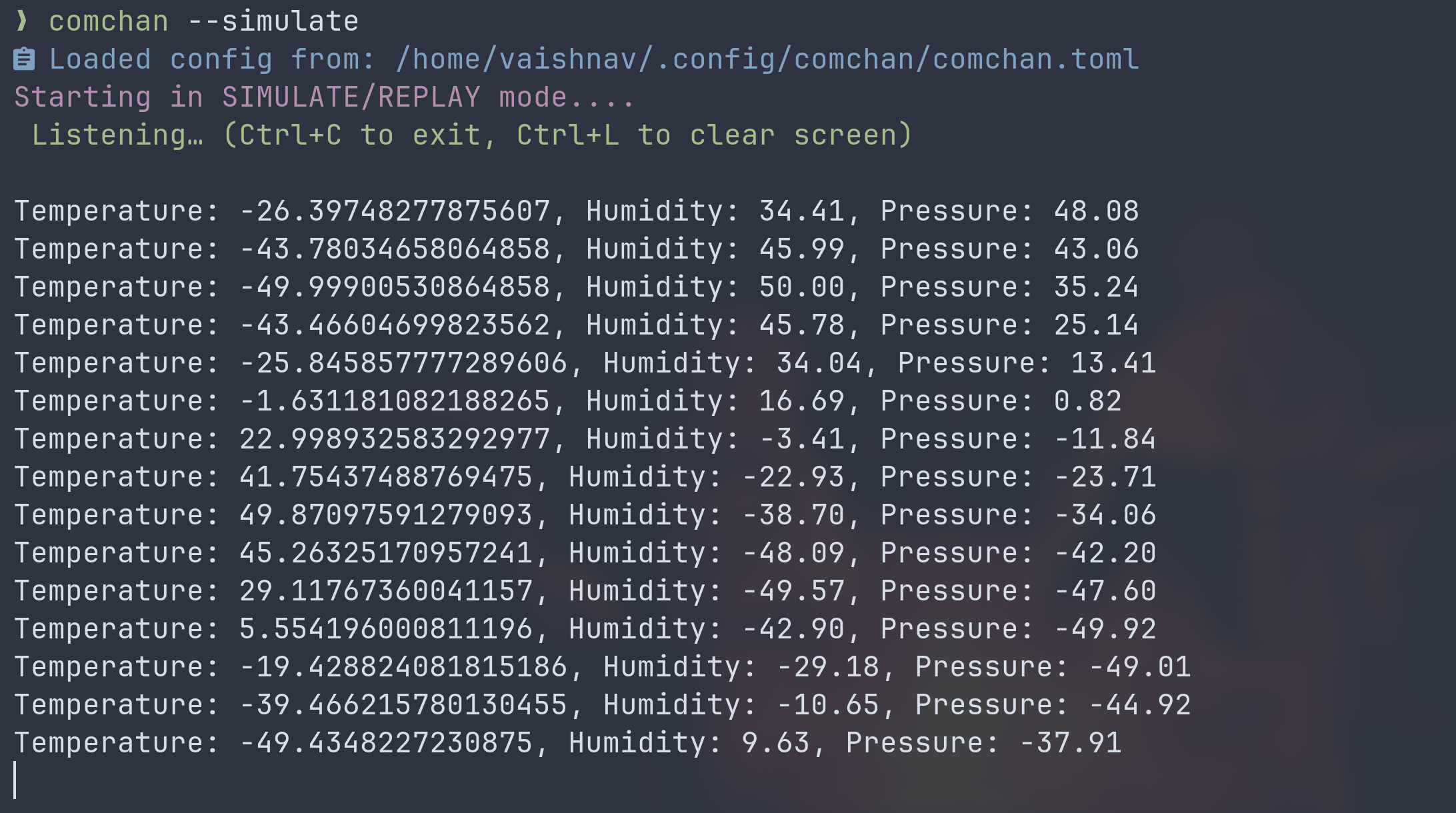
- Lack of native color support: Reading a wall of monochrome debug logs is a great way to miss a critical memory error.
- Poor line buffering: Incoming serial streams would often break mid-sentence or overwrite themselves if the terminal resized.
- Clunky UX: I live in a heavily customized, terminal-centric environment (Zsh, Neovim (btw)). I wanted a serial monitor that felt like a modern CLI tool, not a relic from the 90s.
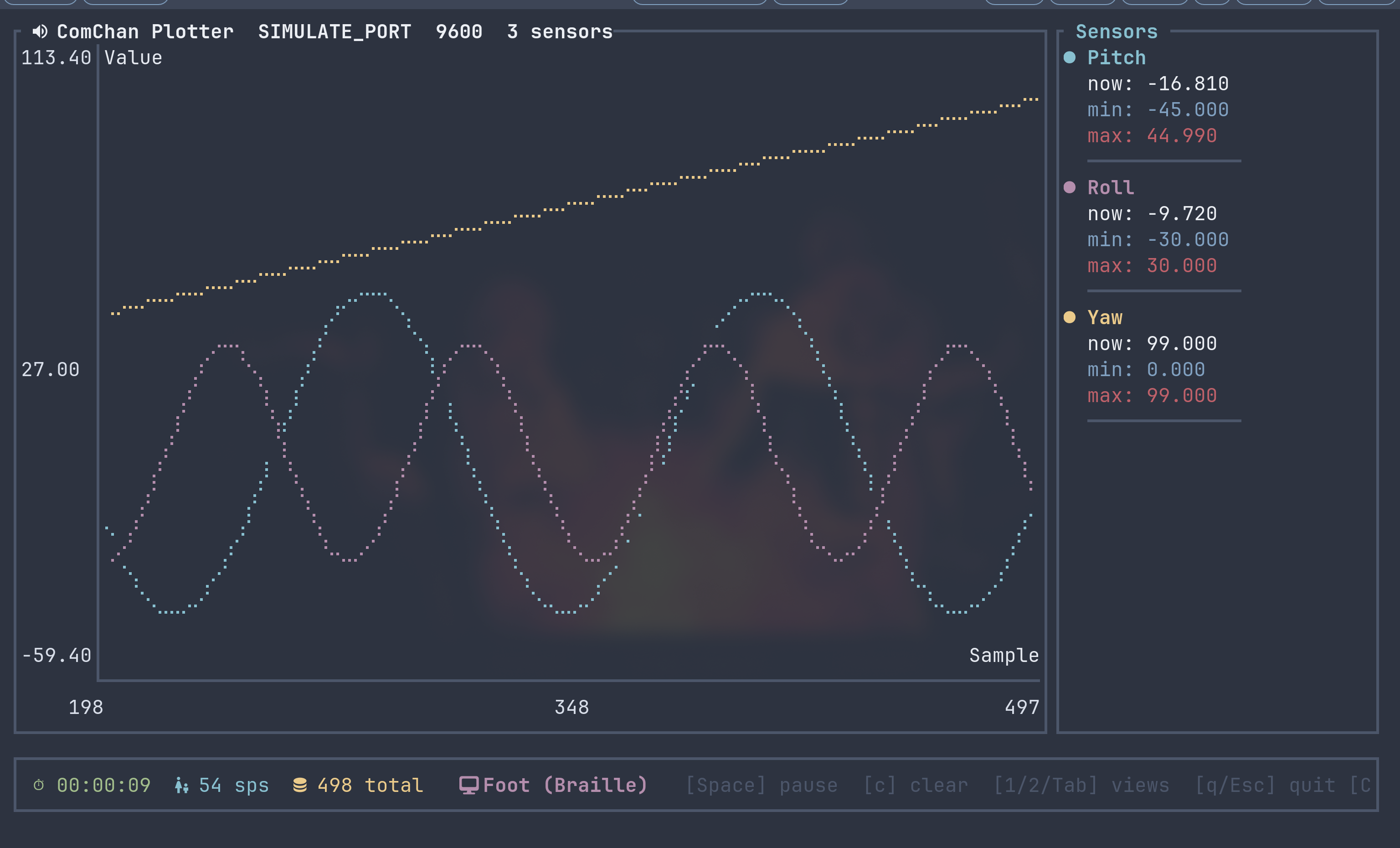
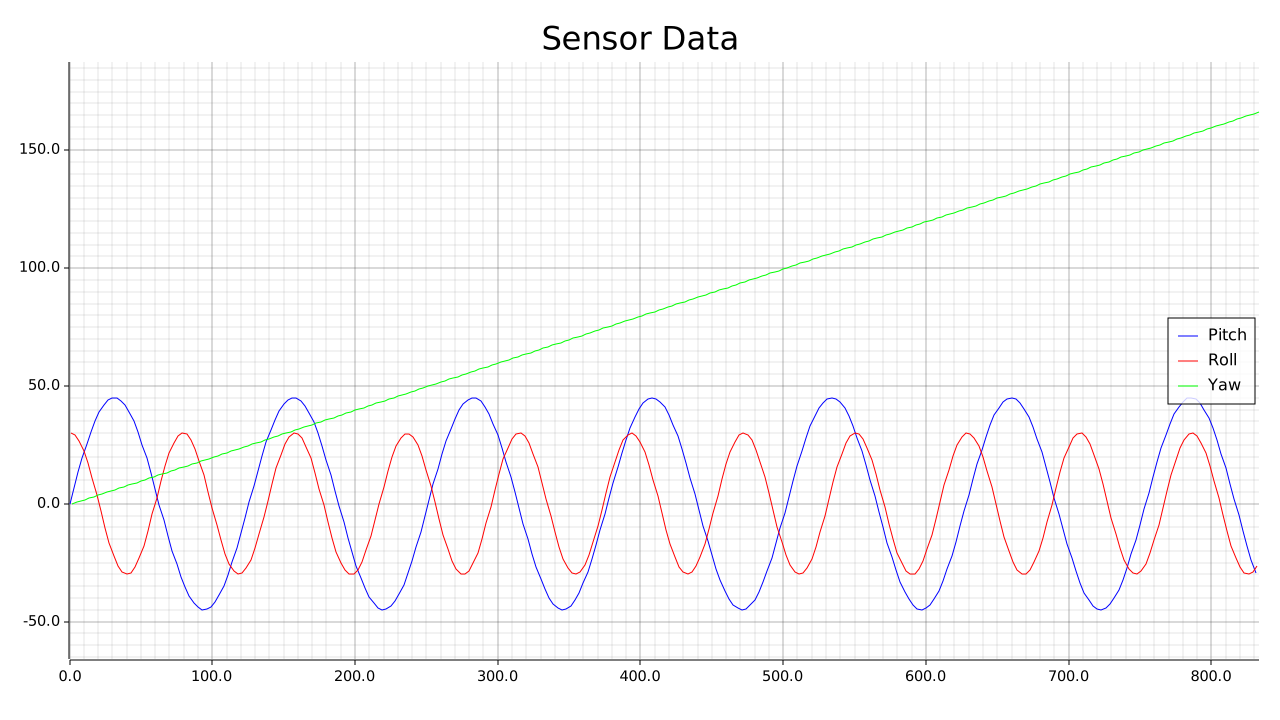
- Lack of a good Serial Plotter: Well although the Arduino Serial Plotter works (kinda), there was no way to export the plots unless I used a tool like BetterSerialPlotter.
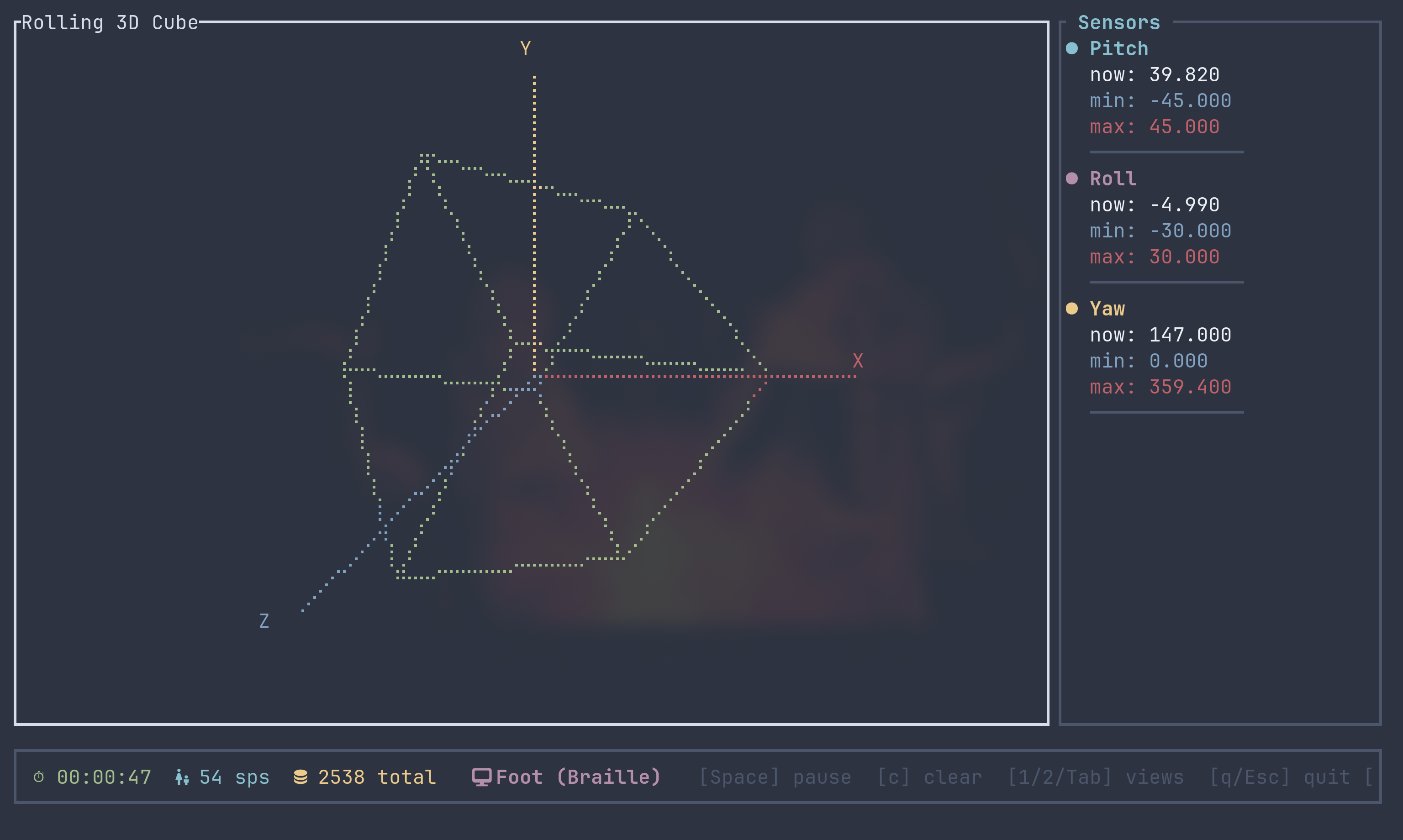
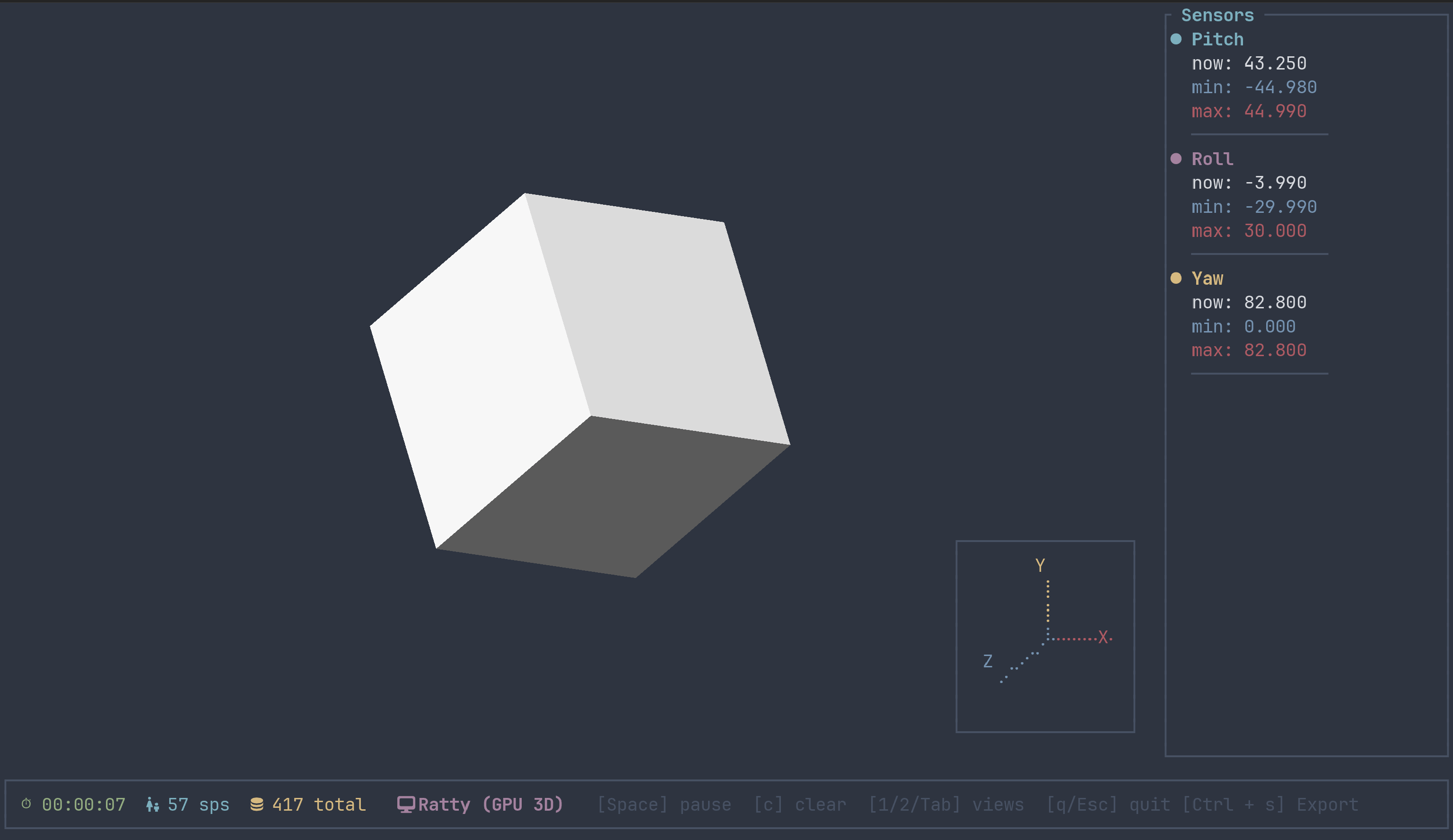
- Telemetry viewer: When working with Inertial Measure Units (IMU's) to view the orientation (Pitch, Roll and Yaw), I had to rely on 3rd party tools for the 3D viewing.
Designing Comchan
The goal wasn't just to read a serial port; the goal was to build a TUI (Terminal User Interface) that made debugging embedded hardware actually enjoyable. Choosing Rust was a no-brainer. Not only is it my preferred language for systems programming, but the CLI ecosystem is unmatched.
Line Buffering and Serial Streams
Handling raw serial streams is inherently messy. Data doesn't always arrive in neat, newline-terminated packages. One of the core architectural decisions in Comchan was implementing robust line buffering.
Instead of dumping bytes to the screen as soon as they hit the RX pin, Comchan captures the stream, buffers it, and cleanly renders complete lines. This drastically improves readability, especially when dealing with fast baud rates or RTOS panic dumps.
TUI
When working with rust, the default choice for TUI's is obviously ratatui, which is what I used for the Serial Plotter UI since it provides the Chart widget which allows users to create charts.
The Payoff
ComChan now sits front and center in my daily workflow. It has native colorized output, making it trivial to visually parse INFO, WARN, and ERROR logs. It handles window resizing gracefully without mangling the history buffer, and the keybindings actually make sense (Cause there aren't any. LOLL!! 😅).
But honestly, was it really worth the time to reinvent the wheel?
Reinventing the wheel isn't always the most efficient use of time, but when you spend hours every day looking at serial output, having a tool tailored exactly to your workflow pays dividends.
If you want to poke around the source code or try it out for your own embedded projects, you can check out the repository on my GitHub.
Some Images